
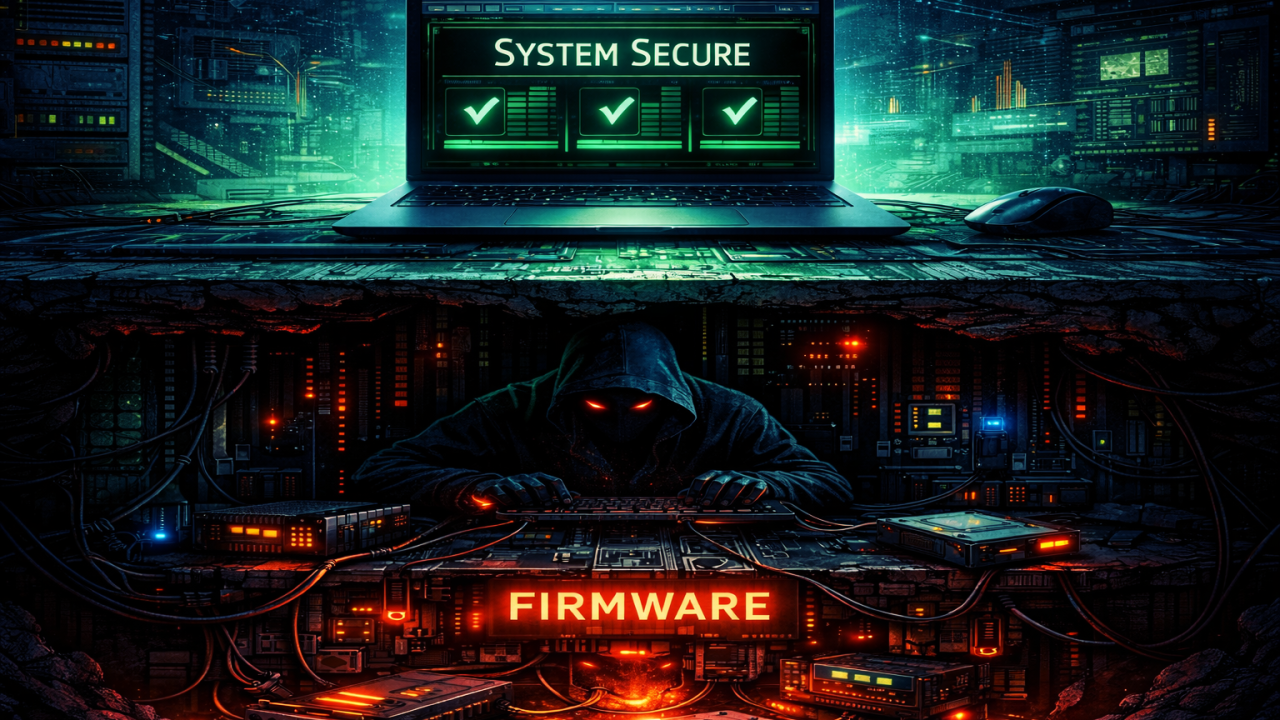
Your antivirus didn’t find it.
Your EDR didn’t flag it. Your IT team ran a scan, checked the dashboard, saw green lights, and called it clean. They reimaged the machine just to be safe. Reinstalled Windows from scratch. Handed it back to the user.
The rootkit was still there.
Not because the tools failed. Not because the team was careless. Because the threat was living somewhere none of those tools could reach — underneath the operating system, inside the firmware, baked into the hardware itself.
And most people in this industry are still thinking about rootkits the way they did fifteen years ago.
That’s the problem.
Let’s Start With a Scenario
A user calls the help desk. Their machine is acting strange — sluggish, occasional weird network behavior, nothing they can clearly explain.
IT picks it up, runs a full scan. Nothing.
They reimage it anyway. Clean install. Do everything right. Hand it back with a green light.
Two weeks later, the attacker logs back in.
Not because the reimage failed. Not because the user clicked something new. Because the infection was never in Windows to begin with.
It was in the firmware — the layer that runs before Windows ever loads.
The scan couldn’t see it. The reimage didn’t touch it. And the machine has been quietly checking in with an attacker’s server every day since it came back online.
This isn’t a hypothetical. This is documented behavior from real firmware rootkits found in the wild.
To understand how that’s possible, you need to understand what a rootkit actually is — and how far down the stack it can go.
What a Rootkit Actually Is
The term gets thrown around loosely, and that’s part of the problem.
A rootkit isn’t ransomware. It isn’t a virus you quarantine and delete. A rootkit is a concealment mechanism — something designed to hide the presence of something else.
It doesn’t just infect your machine. It rewrites what your machine will tell you about itself.
Ask your operating system if a malicious process is running — it says no.
Ask for active network connections — the results are edited before you see them.
Every scan, every log, every diagnostic tool you run is operating inside an environment the rootkit controls.
You’re asking the fox if there are any foxes in the henhouse.
That’s why standard detection fails. Not because the tools are bad — because they’re looking at the wrong layer.
And there’s more than one layer.
The Version You’re Most Likely to Encounter
Before going deeper, it’s worth talking about the version you’re actually likely to see: memory-based rootkits.
These don’t touch the hard drive. They live entirely in RAM.
Your antivirus scans files. There is no file.
The tradeoff is persistence — a reboot wipes them. That sounds like good news until you understand how they’re used.
They’re not meant to stay. They’re meant to operate during the active phase of an attack:
harvest credentials, move laterally, exfiltrate data, and disappear.
By the time anyone thinks to reboot, the damage is already done.
This is also where fileless malware lives — injected into legitimate processes like explorer.exe or svchost.exe. Your tools see a normal Windows process. The rootkit is hiding inside it.
Memory rootkits are about speed.
Firmware rootkits are about permanence.
Most teams will encounter the first.
But it’s not the version that survives a reimage.
How Rare Are We Actually Talking?
Let’s be clear, because credibility matters more than fear.
Firmware-level rootkits are not common.
They’re not hitting small businesses through phishing emails. They’re not behind most ransomware or credential theft incidents. If something hit your machine yesterday, it’s almost certainly not this.
In over a decade of threat research, confirmed cases are limited:
LoJax. CosmicStrand. MosaicRegressor. BlackLotus.
That’s a short list for a reason.
But “rare” doesn’t mean irrelevant.
It means reserved for targets that matter — and that line has been moving.
What They’re Actually Built to Do
You don’t deploy a firmware rootkit to steal credit card numbers.
The economics don’t work.
These tools are used for:
Espionage
Sabotage
Long-term persistent access
Nation-state operations use them to maintain access inside government agencies, infrastructure, and high-value organizations.
The goal isn’t immediate impact. It’s staying there — through audits, reimages, hardware refreshes, and incident response.
An implant in firmware doesn’t get removed. It waits.
This Is Where Most People Get It Wrong
Firmware rootkits don’t show up in your inbox.
They don’t spread through phishing or drive-by downloads.
They come after access has already been established.
The typical chain looks like this:
Initial compromise (phishing, vulnerability, supply chain)
Privilege escalation
Firmware implant deployment
The first stage gets you in.
The firmware rootkit makes sure you stay.
In some cases, the compromise happens before the machine is ever turned on — through supply chain tampering. The device arrives already infected.
In rarer cases, physical interdiction is used — intercepted, modified, repackaged.
This isn’t theory. It’s documented.
Why This Isn’t Something You Can Just Buy
Commodity malware has a price tag.
Ransomware kits. Remote access tools. All available, often with support.
Firmware rootkits are different.
Building one requires:
Deep knowledge of firmware architecture
Reverse engineering vendor implementations
Writing code that survives the boot process without breaking the system
That skill set is rare.
Development costs can reach hundreds of thousands — even millions — of dollars.
Even when something like BlackLotus appears for sale, you’re not buying the capability. You’re buying access to something that required far more to create — and still requires expertise to use.
This is why these remain largely in nation-state territory.
The Levels Nobody Talks About
This is where the conversation changes.
We’re not talking about software anymore.
UEFI / BIOS rootkits
Live in firmware that executes before the operating system. Reimage the machine, wipe the drive — it doesn’t matter. The rootkit reloads on boot.
Drive firmware rootkits (SSD/HDD)
Embedded in the drive controller itself. Not in your data — in the hardware managing it. You can scan the drive on a clean system and still find nothing.
NIC firmware rootkits
Operating inside your network card. Monitoring traffic, communicating externally — all before your OS and security tools are even running.
These aren’t theoretical.
They have names.
LoJax — first confirmed UEFI rootkit in the wild.
CosmicStrand — embedded in consumer hardware.
MosaicRegressor — persisted through multiple OS reinstalls.
Real attacks. Real systems. Missed by real teams — because nobody looked below the operating system.
Why Your Security Stack Was Never Built for This
Everything you rely on — antivirus, EDR, SIEM — operates at the OS layer and above.
Firmware sits below all of it.
By the time your tools start running, a firmware rootkit has already executed.
It can feed your tools clean results. Hide activity. Control what you see.
You’re not detecting a threat. You’re being shown a controlled version of reality.
The standard response — isolate, wipe, reimage — is correct for most incidents.
Just not this one.
Reinstalling an OS on a firmware-compromised machine is like repainting a house with a cracked foundation.
The machine looks fine.
The machine is not fine.
Can It Move?
Yes.
And this is where it becomes more than a single machine problem.
A firmware-level rootkit still controls the OS, which means:
Credential harvesting
Lateral movement
Network authentication attacks
All still possible.
Some documented cases go further — reflashing USB devices, spreading through hardware, or manipulating network traffic directly from a compromised NIC.
On a domain-joined system, cached credentials can open the rest of the environment.
This isn’t a contained infection.
It’s a foothold.
How You Actually Find One
For memory rootkits, tools like Volatility analyze what’s actually running — not what the OS reports.
For firmware, options are limited.
Specialized scanners (rare in most environments)
Hardware-level inspection tools like Chipsec
Firmware hash comparison against known-good images
The most reliable answer often isn’t detection.
It’s replacement.
If firmware is compromised, you don’t clean it.
You replace it.
And one critical rule:
If you suspect firmware compromise, you cannot trust the machine you’re investigating.
What This Means for Your Organization
If you’re a business leader, stop asking:
“Do we have antivirus?”
Start asking:
“What happens if someone gets below our operating system?”
If your team doesn’t have an answer, you have a gap.
Security tools still matter. They’re effective — at the layer they were designed for.
But attackers have learned to go underneath that layer.
Understanding that changes how you investigate, how you respond, and how you think about systems that don’t behave the way they should.
The Part That Actually Matters
Most threats are complicated versions of simple ideas.
Phishing is deception.
Ransomware is extortion.
Memory rootkits hide where tools don’t look.
Firmware rootkits are different.
They don’t just compromise your system.
They compromise your ability to know your system is compromised.
Your tools say clean.
Your logs show nothing.
Your dashboard is green.
And somewhere, quietly, something is still there.
The good news: this is still rare.
The bad news: it exists, it’s real, and it’s not going away.
The most dangerous systems aren’t the ones that look compromised.
They’re the ones that look perfectly clean.